

Printing as a service for businesses
Worry-free printing, anytime, anywhere
We make sure you can print easily and efficiently across your organization, from any device and any location.
- Secure printing
- Print from any location
- Lower printing costs
Why smart print management makes the difference
Printing seems straightforward – until it starts costing unnecessary time, management, and money. Employees want to print easily from different devices and locations, while your organization wants to stay in control of security and usage.
With Printing as a Service, your print environment is centrally managed and connected to the cloud. With features such as secure printing, Follow-Me-Printing, and smart printing policies, you make printing easier for employees and avoid unnecessary printing costs.
The result is a secure, flexible, and efficient print environment that fits the way your organization works.


Everything for a smart and secure print environment
Your print environment is centrally managed, so your employees can print easily and securely from different devices and locations. In short, we take care of the following for you:
- Central printer management
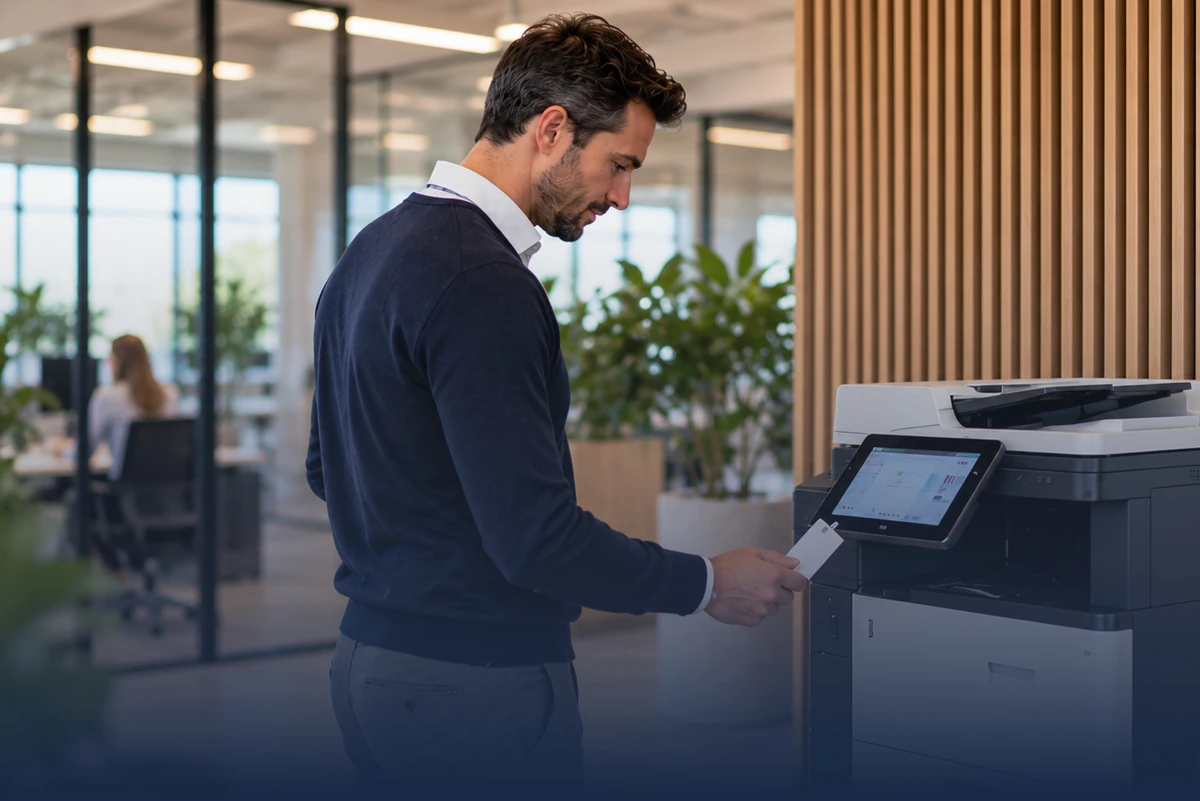
- Secure printing with badge readers
- Mobile printing via QR code
- Follow-Me-Printing
- Smart printing policies
- Cloud-based printing
Printing used to cost us unnecessary time and hassle on a regular basis. Now colleagues can print securely wherever it suits them, and we have much more control over our print environment.
Benefits.
Secure and flexible printing, centrally managed and available wherever your employees need it.
Less Time Spent on Print Management
Manage your printers easily and centrally from one environment.
read more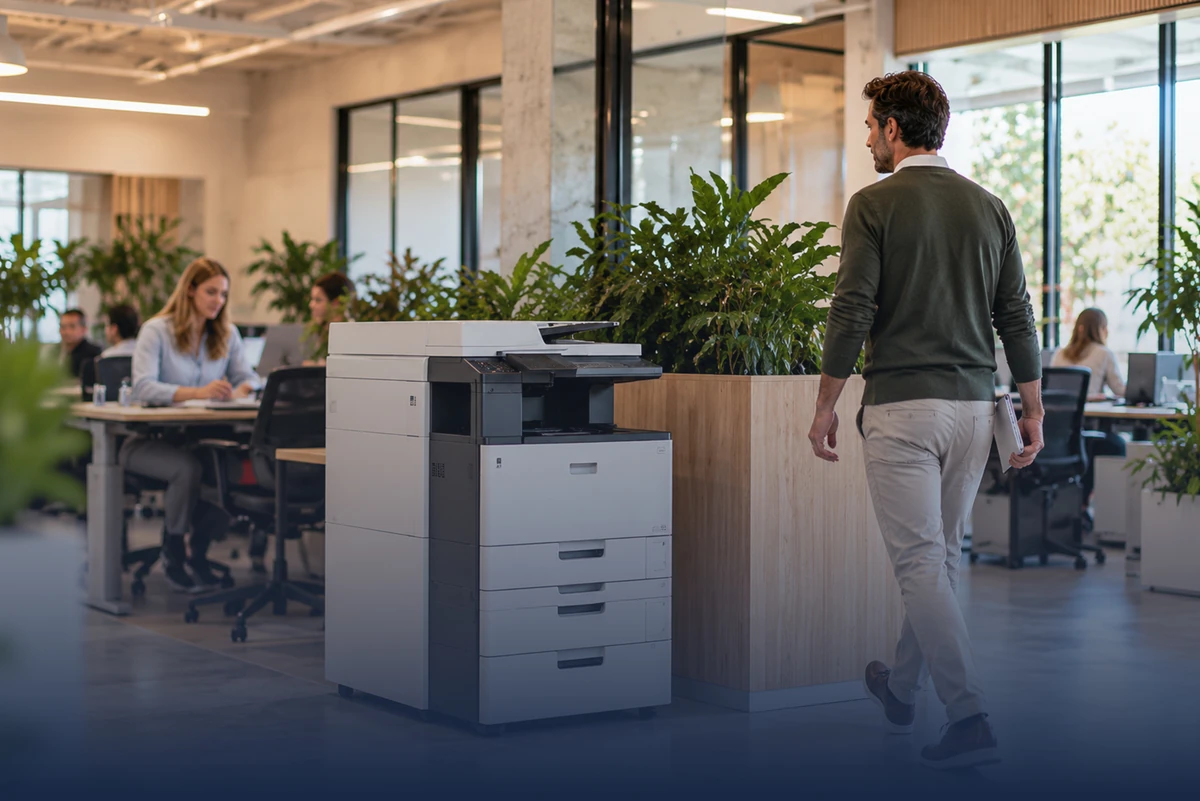
Secure Document Handling
With badge readers, print jobs are only released when the employee is standing at the printer.
read more
Lower Printing Costs
Smart printing policies and Follow-Me-Printing help prevent unnecessary prints and waste.
read more
Flexible Printing for Employees
Employees can easily send print jobs from different devices and locations.
read more
Smart and secure printing in 3 steps
Your print environment is centrally and professionally organized in no time. Employees can print easily and securely, while your organization gains more control over management and printing costs.
- 01Step 1
We map out your print environment.
We look at your current printers, users, and requirements and determine which setup fits best.
- 02Step 2
We set up your print environment.
We connect your print environment to the cloud and configure printers, permissions, and the print features you need, among other things.
- 03Step 3
Your employees can print smarter.
Employees can print easily and securely, for example using a badge reader, QR code, or Follow-Me-Printing.
Why organizations trust Justspark with their print environment
A print environment above all needs to be secure, reliable, and easy to use. That’s why at Justspark we look beyond simply connecting printers. We provide central management, secure access, and smart print features that fit your organization and employees.
30 Years of IT Experience
Extensive experience managing and optimizing organizations’ IT environments.
Security First
We provide a print environment in which confidential documents are processed and released securely.
Reliable Print Service
With the Justspark Appliance in our private data center, we deliver a stable and continuous print service.
Smart Technology with Printix
Through our partnership with Printix, you benefit from modern capabilities and innovations in print management and security.
Is printing properly organized in your organization?
“Printing should above all be easy, secure, and reliable. I’d be happy to look at how we can set up your print environment more smartly and avoid unnecessary costs.”

Frequently asked questions.
What is Managed Print Services (MPS) and how does it save costs?
- MPS is a service in which an external provider manages and optimizes your entire printer fleet. It saves costs through automatic toner delivery, preventive maintenance, and a fixed rate per page (cost per click), which prevents unexpected repair costs.
Is it better to rent, lease, or buy a business printer?
- Buying requires a large upfront investment but has the lowest total cost in the long run. Leasing or renting spreads the costs over a fixed term, including maintenance and service, which is better for your company’s cash flow and flexibility.
How do I protect confidential documents at the printer?
- With 'Follow Me' printing (or pull printing). Documents are only printed once the employee identifies themselves at the printer with a PIN, employee badge, or smartphone. This prevents privacy-sensitive documents from being left unattended in the output tray.
Do modern printing solutions comply with GDPR?
- Yes, provided they are configured correctly. Modern printers have hard drives that encrypt data and automatically wipe it after printing, and they require user authentication to prevent data breaches.
How can my company save paper and energy when printing?
- By setting printers to double-sided (duplex) and black-and-white printing by default. 'Follow Me' printing also helps eliminate prints that are never collected. In addition, modern printers have an energy-saving sleep mode.
How are toner and cartridges processed in an environmentally friendly way?
- Most printing solution providers offer free recycling programs. Empty cartridges and toner are collected and reused or recycled responsibly.
Can employees print from their smartphone or tablet?
- Yes. Mobile printing is supported through technologies such as Apple AirPrint, Mopria, or the provider’s own print apps, so employees and guests can print securely from any device.
How many printers does my company actually need?
- That depends on your print volume and office layout. One central multifunction printer (MFP) in a strategic location is often more efficient and less expensive than several small desktop printers spread across the office.