

Microsoft 365 training and more
Is your team getting the most out of Microsoft 365?
With our hands-on training courses, available online or on-site, your employees learn to collaborate smarter, work more efficiently, and make the most of Microsoft 365.
- Immediately applicable
- Higher productivity
- Smarter collaboration
Get more out of Microsoft 365 with our training courses.
At Justspark, we help organizations work smarter and more easily in the digital world. With our interactive training courses, on-site or online, your team learns to collaborate and communicate more efficiently and to handle information securely. Our sessions are always practical, so employees can apply what they’ve learned right away.
From the basics to advanced skills
From smarter collaboration in Teams to a clearer overview in Outlook and SharePoint, our training courses are tailored to your employees’ day-to-day work and level of knowledge.
What can you expect?
- Practical: recognizable examples you can apply right away.
- Accessible: for beginners, advanced users, and volunteers.
- Working securely: handling data and privacy with care.
- Working more efficiently: saving time and collaborating smarter.
- Flexible: on-site or online, tailored to your organization.
This way, your team gets more out of Microsoft 365 and your organization is ready for the future.

Practical information.
Training courses are available on-site or online. Customization is possible: programs can be adapted to the specific work processes of your library. Participants receive a handout with exercises and practical tips.
Training courses.
Showing 1–10 of 10 results
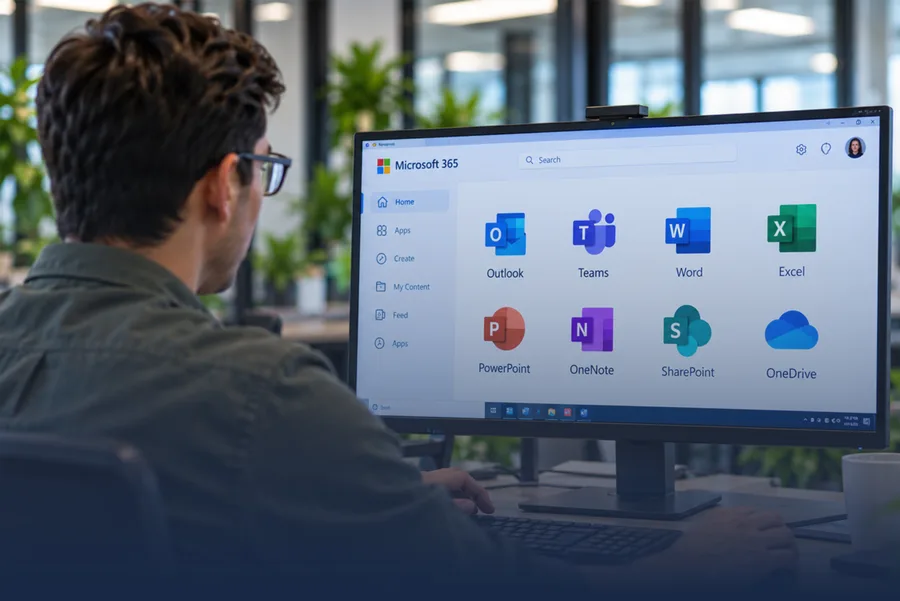
Microsoft 365 Basics for Libraries.
1 half day (4 hours)Max. 12 participants
Who it’s for: Library staff who are getting started with Microsoft 365 or want to refresh their basic skills.
price list
Smart Collaboration with Microsoft Teams.
1 half day (4 hours)Max. 12 participants
Who it’s for: Employees who already have basic knowledge and want to use Teams more effectively for collaboration and communication.
price list
Working Efficiently with Outlook & OneNote.
1 half day (3.5 hours)Max. 10 participants
Who it’s for: Library staff who want to organize their mailbox and appointments better and gain a clearer overview of projects and notes.
price list
Microsoft 365: Power Automate & SharePoint.
1 day (2 x 3.5 hours)Max. 8 participants
Who it’s for: Employees who have mastered the basics and want to set up processes in a smarter, more efficient way.
price list
Digital Security in Microsoft 365.
1 half day (3 hours)Max. 15 participants
Who it’s for: All employees who work with Microsoft 365 every day and need to be aware of the risks and of how to handle data securely.
price list
Data Analysis & Reporting with Power BI.
1 day (7 hours)Max. 8 participants
Who it’s for: Key users who want to create reports from library systems and Microsoft 365 data.
price list
Project and Task Management with Planner & To Do.
1 half day (4 hours)Max. 10 participants
Who it’s for: Key users who work on projects or help teams keep an overview and divide tasks.
price list
SharePoint Advanced: Intranet & Document Management.
1 day (7 hours)Max. 8 participants
Who it’s for: Key users who are responsible for the intranet, team environments, or document management.
price list
Collaborating Efficiently with OneNote & Whiteboard.
1 half day (3.5 hours)Max. 12 participants
Who it’s for: Key users who want to encourage creative collaboration during meetings, workshops, or brainstorming sessions.
price list
Key User Masterclass: Microsoft 365 Governance & Adoption.
1 day (7 hours)Max. 6 participants
Who it’s for: Library staff who, as key users, take the lead in the use of Microsoft 365 within their organization.
price list
Can’t find the training you’re looking for?
In addition to our standard courses, we also offer customized training, fully tailored to the processes and needs of your organization. We’re happy to think along with you!
Interested in a training course for your team?
Choose a training course that fits your organization and get in touch with us today.
Training courses 2026
The complete training overview.
Practical training courses, online or on-site. From the first steps in Microsoft 365 to smarter collaboration, automation, and handling information securely. Download the complete course overview, including prices.
- From basic to advanced (11 training courses)
- Duration, group size, and price per course
- Custom training courses for your organization, too
More in training.

5MOT
With 5MOT (5 Minutes Online Training), employees build their knowledge of Microsoft 365, IT security, GDPR, and cybersecurity, among other topics, through short, practical training sessions.
read more
Escape Room
Take Back Control is an interactive cybersecurity Escape Box in which employees work together to solve challenges and puzzles centered on digital security.
read more