
IT project migration for businesses
A new IT environment without bringing your work to a halt.
We guide your organization through IT changes, from initial preparation to the complete transition.
- A worry-free transition
- Taken care of from A to Z
- Tailored to your organization
Why a well-executed IT migration makes all the difference
An IT migration affects your entire organization. Systems, data, and workstations need to be moved, while your employees would much rather just keep working.
That’s why thorough preparation and clear planning are essential. You want to make sure no important data is lost, systems aren’t unavailable longer than necessary, and employees don’t run into problems.
With our IT Project Migration service, we guide the entire process: from preparation and planning to the actual transition. This ensures a smooth migration with minimal disruption to your organization.
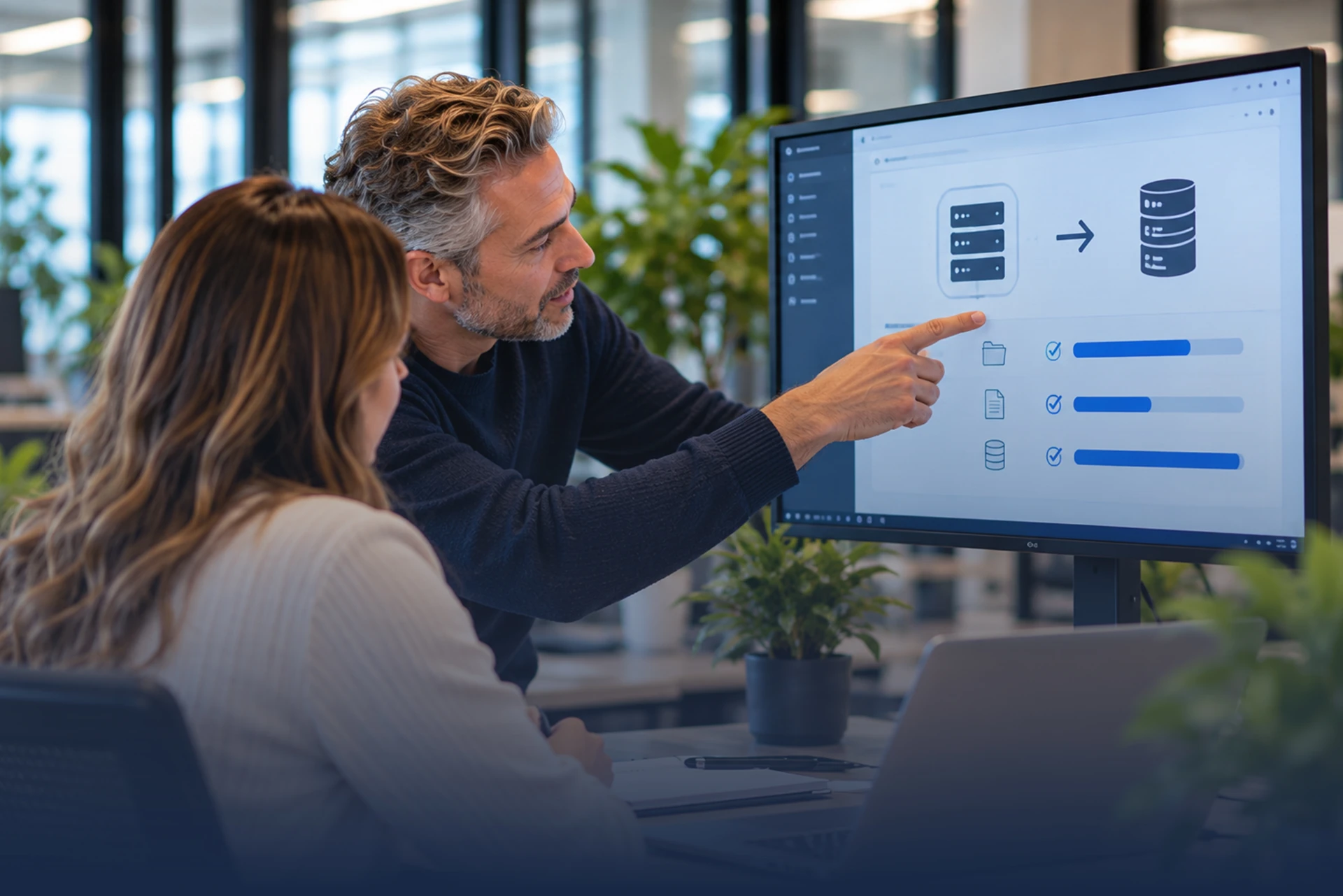

An IT migration that keeps your organization running.
We guide your organization through the move to a new IT environment, platform, or cloud solution. We manage the process carefully, with attention to your data, your employees, and the way you work – and with as little downtime as possible. In short, here’s what we take care of for you:
- Planning and preparation of the migration
- Secure migration of relevant data
- Data backup before the transition
- Setup of the new platform or environment
- Guidance and communication for employees
- Cleanup and optimization during the migration
We were quite apprehensive about the transition, mainly because our day-to-day work had to continue. Thanks to the thorough preparation and guidance, the migration went smoothly and our employees barely noticed a thing.
Benefits.
A smooth IT migration, professionally guided and with minimal impact on your organization.

Minimal Disruption
We plan the migration carefully, so your organization can keep working as much as possible.
read more
A Worry-Free Transition
Our IT specialists guide the process from preparation through to delivery.
read more
Your Data Moved Safely
We make sure important data is carefully transferred to the new environment.
read more
Off to a Good Start Right Away
After the migration, your new IT environment is ready to use and employees can quickly get back to work.
read more
A smooth move to your new IT environment in 3 steps
We guide your IT project or migration with a clear plan and minimal disruption, so you don’t have to worry about the technical side.
- 01Step 1
We map out your situation.
We assess your current IT environment and work with you to create a clear migration plan.
- 02Step 2
We take care of the transition.
Our IT specialists carry out the migration carefully and make sure your data and systems are transferred securely.
- 03Step 3
You can get right back to work.
We make sure the new environment works properly, so your employees can continue with minimal interruption.
Your IT migration in experienced hands with Justspark.
An IT migration should not only run smoothly from a technical standpoint, it should also fit your organization and the way you work. That’s why at Justspark, we look beyond the transition itself. Our IT specialists prepare the process carefully, guide the migration from start to finish, and make sure your organization can continue with minimal interruption.
Experienced Project Guidance
Our IT specialists carefully guide your migration from preparation through to delivery.
Everything Under One Roof
From cloud and workstations to security and infrastructure: all the IT expertise you need is available within Justspark.
ISO Certified
We work in accordance with ISO 27001 and ISO 9001 for information security and quality.
30 Years of IT Experience
We have extensive experience with complex IT environments and organizational change.
Ready for a worry-free move to the best IT?
“An IT migration is about more than just moving systems. It’s about making sure everything is well prepared and your organization can simply keep working. I’d be happy to help you find the best approach.”

Frequently asked questions.
What exactly does an IT project migration involve?
An IT migration is the process of moving data, applications, users, or entire IT infrastructures from one environment to another. This can mean moving from physical servers in the office to the cloud (cloud migration), replacing an outdated software system (legacy software), or merging IT systems after a business acquisition.
Why would my business choose an IT migration?
Businesses usually migrate because their current systems are holding back growth. The main reasons are: - Cost savings: lower maintenance costs for outdated hardware. - Better security: modern cloud environments offer stronger protection against cyber threats. - Scalability and flexibility: systems can grow with the business right away and better support hybrid working.
What are the biggest risks during a migration project?
The three most common risks are data loss, unexpected downtime (systems being unavailable), and going over budget. If a migration isn’t properly prepared, business processes can come to a standstill. Resistance from employees is another major risk; if they don’t know how to work with the new system, productivity drops immediately.
How long does a typical IT migration take?
This depends entirely on the size of your business and the complexity of your data. A simple move to Microsoft 365 for a small business can be completed within a few weeks. Migrating custom software or large databases for an enterprise organization, on the other hand, can take months or even up to a year.
Can our employees keep working during the migration?
Yes, with good planning, the impact on day-to-day operations can be kept to a minimum. An IT partner will often choose to carry out the actual cutover (the go-live) over the weekend or in the evening. Data is synchronized in the background beforehand, so employees can log in to the new environment right away the next morning.
How do we make sure no data is lost?
Data security depends on a solid backup and validation plan. Before the migration, a complete, standalone backup is made. After the migration, the IT department or external partner performs data validation: they check that all files, permissions, and database connections match the old situation exactly before the old system is permanently shut down.
What is the difference between a “Big Bang” and a “phased” migration?
- Big Bang: everything is moved over at once. This is faster and less expensive, but the risk is greater because the entire business switches over at the same time. - Phased: the migration happens in stages, for example by department or by application. This significantly reduces the risk, because any teething problems are resolved within a small group first.
Why do IT migrations sometimes fail, and how can I prevent that?
Migrations rarely fail because of the technology, but almost always because of poor communication and a lack of training. Technology changes, but processes and people need to change with it. You can prevent this by involving employees early, appointing key users, and offering intensive support and training right after go-live.