

Microsoft 365 for businesses
Everything you need for seamless collaboration
With Microsoft 365, you can collaborate securely and easily, wherever you are and from any device. Everything you need is in one place, from email and files to familiar programs like Outlook, Word, Excel, and Teams.
- Work securely, anytime, anywhere
- Easy collaboration in one environment
- Professionally set up and managed
Why Microsoft 365 fits the way we work today
Work no longer happens only at the office. Employees want secure access to their email, files, and applications from anywhere, and they want to collaborate easily with colleagues.
That requires a digital workspace that is secure, flexible, and user-friendly. An environment where information is readily available and employees can collaborate efficiently, wherever they work.
With our Microsoft 365 package, we bring your familiar Microsoft programs, communication, and files together in one environment. We take care of the setup, management, and security, so your employees can work comfortably and securely.

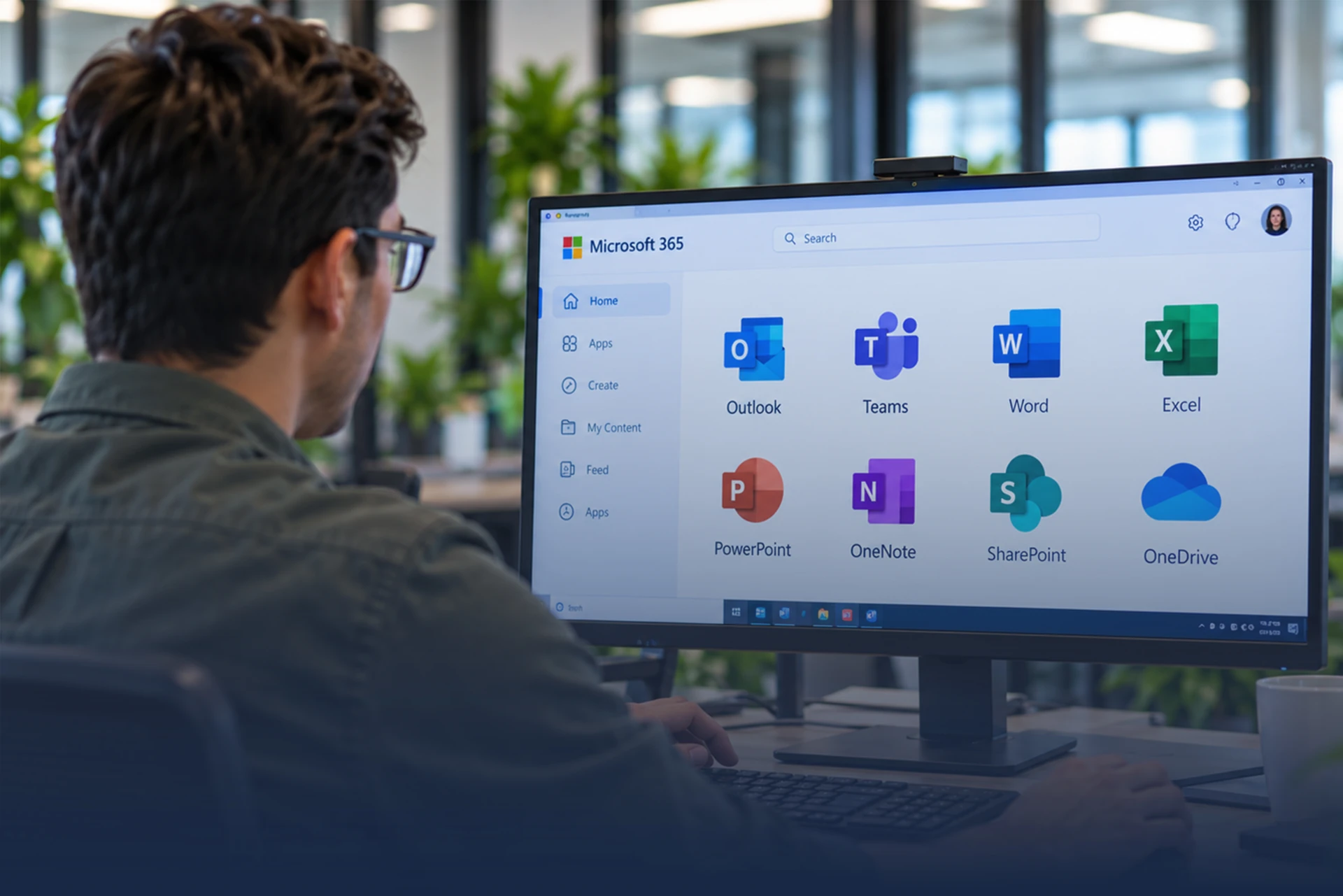
Everything you need for seamless collaboration
With Microsoft 365, your employees have one secure and familiar environment in which to work, communicate, and collaborate. We make sure Microsoft 365 is set up properly and fits the way your organization works. In short, we take care of the following for you:
- Microsoft 365 licensing advice
- Microsoft 365 implementation
- Migration to Microsoft 365
- Microsoft 365 security
- Management & support
- License management & scaling up or down
What I notice most is how much easier it is to work together now. Everyone knows where files are stored, can access them when needed, and we spend far less time searching.
Benefits.
A secure and familiar Microsoft 365 environment where your employees can work comfortably, wherever they are.

Work Comfortably from Anywhere
Employees have secure access to their files and applications, wherever they work.
read more
Easier Collaboration
Files, communication, and information are centralized, so colleagues can work together more efficiently.
read more
Hassle-Free Management
We help with the setup, licensing, management, and support of your Microsoft 365 environment.
read more
A Secure Digital Workspace
We set up Microsoft 365 securely, with appropriate access rights and security measures.
read more
A Microsoft 365 environment that works, in 3 steps.
From your current workspace to a secure and well-organized Microsoft 365 environment.
- 01Step 1
We map out your workspace.
We look at how your organization currently works, what your employees need, and which Microsoft 365 solutions are the right fit.
- 02Step 2
We set everything up for you.
From licensing and security to migration and configuration: our specialists make sure your Microsoft 365 environment is ready to go.
- 03Step 3
You get started securely.
We ensure a smooth transition and remain available for management and support whenever you need us.
Microsoft 365 properly taken care of, from setup to management
Microsoft 365 only truly works well when it fits the way your organization works. That’s why we look beyond just the licenses. Our IT specialists help with the setup, migration, security, and management, so your employees can work securely and comfortably.
30 Years of IT Experience
Extensive experience managing and supporting organizations’ IT environments.
24/7 Support
Support is always available when you need help, including outside regular business hours.
ISO Certified
We work according to ISO 27001 and ISO 9001 for information security and quality.
Personal Approach
We know your organization and deliver solutions that fit the way you work.
Are you getting the most out of Microsoft 365?
“Microsoft 365 offers a wealth of possibilities, but it needs to fit your organization. I’d be happy to help you make sure your team can work with it comfortably and securely.”

Frequently asked questions.
What exactly is Microsoft 365?
Microsoft 365 is an all-in-one cloud platform from Microsoft. It combines the familiar Office programs (such as Word, Excel, and PowerPoint) with smart cloud services (such as Outlook, OneDrive, and Teams). Because it runs in the cloud, you can access your email, calendar, and files from any device with an internet connection.
What is the difference between Microsoft 365 and the 'old' Office?
In the past, you bought Office as a software package (for example, Office 2010 or 2016) with a one-time license for a single computer. When a new version came out, you had to buy it again. Microsoft 365 is a subscription. This means you always work with the latest features and security updates, and you can use the software on all your devices (laptop, tablet, phone) at the same time.
Can I keep working in Microsoft 365 without an internet connection?
Yes, absolutely. If you have the Office apps (Word, Excel, PowerPoint) installed on your computer, you can open and edit files offline. As soon as your computer reconnects to the internet, all your changes are automatically synced to the cloud (OneDrive or SharePoint).
Where are my files stored, and are they secure there?
Your files are stored in Microsoft’s secure data centers (for European users, these are usually located in the Netherlands, Ireland, or Germany). Microsoft protects this data extremely well against hackers and physical damage. You can also add extra security to your account with a PIN or through the Microsoft Authenticator app on your phone.
On how many devices can I install Microsoft 365?
With most Microsoft 365 licenses, a single user can install the Office apps on up to 5 PCs or Macs, 5 tablets, and 5 smartphones. This lets you switch easily between your computer at the office, your laptop at home, and your phone on the go.
How can I work on the same document as a colleague at the same time?
Because your files are stored in the cloud (on OneDrive or SharePoint), you can share a document with a colleague using the 'Share' button in the top right corner. When you both open the document, you can see in real time where the other person is typing. This prevents different versions (_v1, _v2_final) of the same file from circulating.
What is the difference between the web version and the desktop app of, for example, Word?
- The web version opens directly in your internet browser (such as Edge or Chrome). This is convenient when you want to make a quick change on a computer that isn’t yours. - The desktop app runs on your own computer. It is more comprehensive and includes all the advanced features and buttons the web version sometimes lacks.
I accidentally lost a file or overwrote something by mistake. What now?
Don’t panic – Microsoft 365 has two built-in safety nets: - Recycle bin: Deleted files stay in the cloud recycle bin for at least 30 days before they are permanently removed. - Version history: If you’ve changed a file but want the old version back, click the file name at the top and select Version History. You can then view and restore earlier versions from hours or days ago.